
Your own wiki, grown with AI
Claude Code, Cursor, ChatGPT or any AI you connect over MCP writes in it with you
Sessions write research, plans and retros into the wiki over MCP. You review on your phone, leave feedback, and the next session picks it up.
People and agents write in the same document
Edit together in real time, while AI agents write into the same page over MCP. Comment on any block, and bring anyone in with a link.


- Live editingSee who is editing where, by name. Edits made offline merge when you reconnect.
- Block commentsComment on any block and reply in threads. @mention a person, or @Claude to ask your agent.
- Share linksChoose view, comment, edit or live editing, and when the link expires. No account needed to open it.
- NotificationsGet comments, mentions and agent replies as phone notifications.
Write in Markdown, arrange in blocks
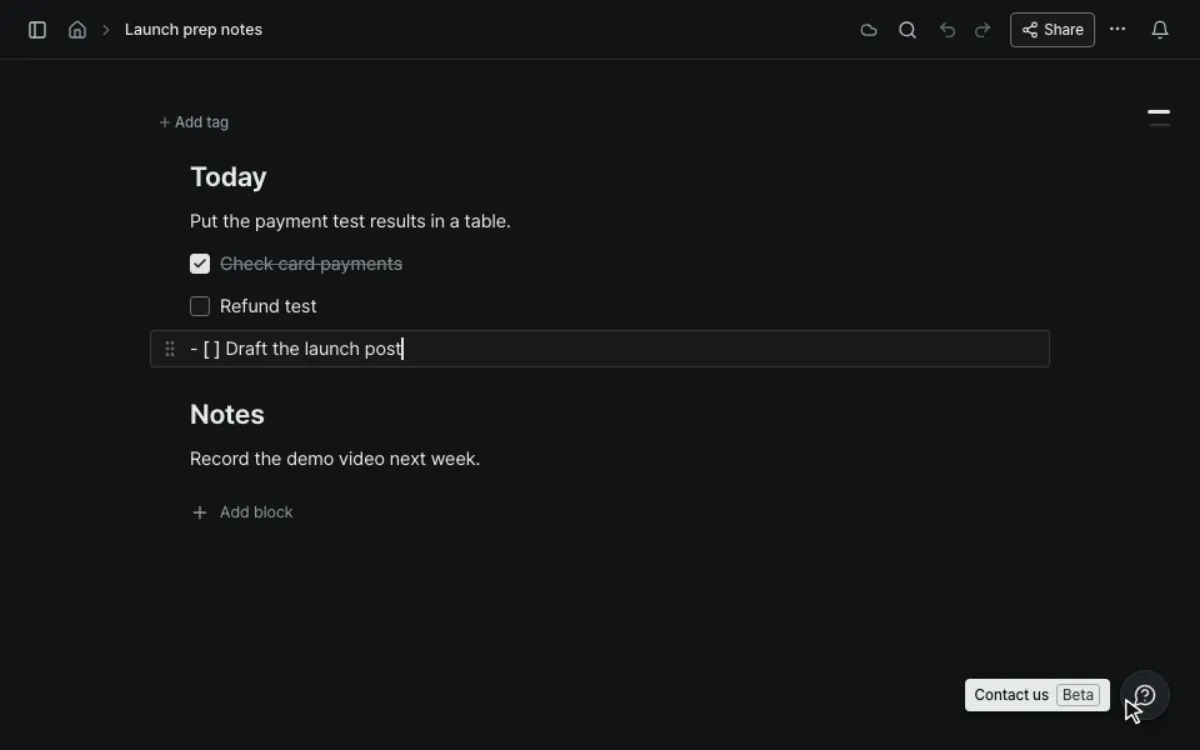
Every block is Markdown. Edit it as Markdown, read it as a finished page. Add tables, checklists and callouts with /, and drag blocks into place.


- Plain MarkdownEdit as Markdown, read as a finished page. What your agents write over MCP lands in the same blocks.
- One / awayAdd headings, lists, checklists, tables, callouts, code and images with /.
- Tables and diagramsPut checkboxes and dropdowns in table cells, and draw diagrams from mermaid code.
- Drag to arrangeDrag blocks into place by their handle; paste an image and it uploads.
Agents file. You review.
Every Claude Code session gets a name, and every change is signed by the session that made it. Comments you leave on a document reach the next session through MCP.


- Every session namedEach document and version shows which agent session wrote it.
- Changes to reviewHome lists the documents your agents changed today, one row each. Opening one takes it off the list.
- Feedback threadsComments you leave reach the next session, which fixes the page and answers. Check it and close it.
- HandoffsWhat a session left, and what you asked for, is picked up by the next session.
Comment @Claude, and Claude Code fixes it
With the VikiEditor plugin in Claude Code, an @Claude comment you leave on the web or your phone goes straight to the Claude Code session on your computer. The session fixes the page and answers with what it changed. Your computer and the session need to be running meanwhile.


- A block or the whole pageComment on a paragraph you doubt, a table to fix or the whole page, and call @Claude.
- A listening session takes itThe session with the plugin gets the comment and fixes the page within seconds. The comment box shows which session is listening.
- The fix and the answerTables and checklists are fixed in place, and the thread says what changed. Close it once it looks right.
- Set up onceThe MCP connector writes the pages, the plugin hears the comments. Settings → MCP has the steps.
Build your own wiki
Link what you write with [[, notes, meeting minutes or plans, and it grows into your own wiki. Find a page by a few letters of its title, and below each page gather the pages that point to it and the ones that share its tags.
![An onboarding guide with [[Dev typed and the page autocomplete open, and below it the related pages panel listing the pages that link here, the pages it links to, and a page with the same tags](/landing/wikilinks-en-light-phone.webp)
![An onboarding guide with [[Dev typed and the page autocomplete open, and below it the related pages panel listing the pages that link here, the pages it links to, and a page with the same tags](/landing/wikilinks-en-dark-phone.webp)
- Link with [[Find a page by a few letters and link it. [[Page#Section]] goes straight to that spot.
- Link it before it existsLink a page that doesn't exist yet; clicking the link creates it.
- Backlinks and related pagesBelow each page gather the pages that point to it and the ones sharing its tags. Links are worked out from the current text every time.
- Agents link the same wayLinks your agents write connect the same way, and published blog posts keep linking each other.
And more
The things you reach for every day.
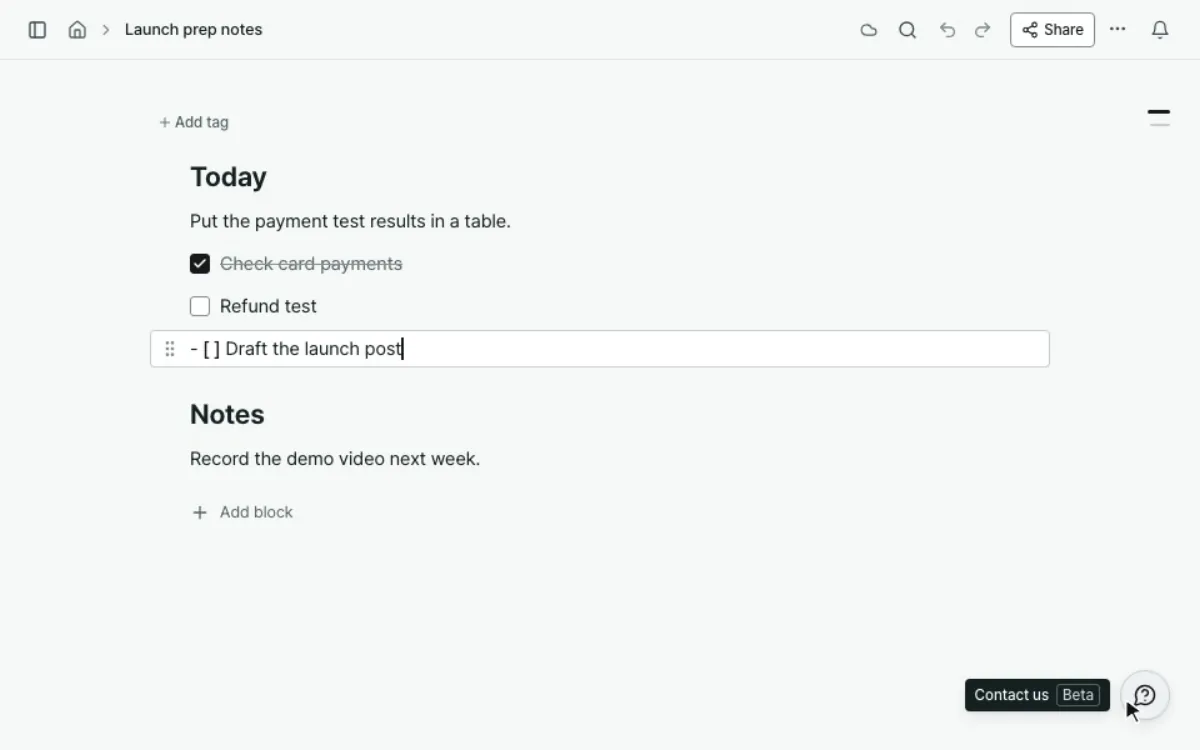
Vim keys
j and k move between blocks, o opens a new one. Inside a block it is Vim as you know it, and Esc takes you back to the list.
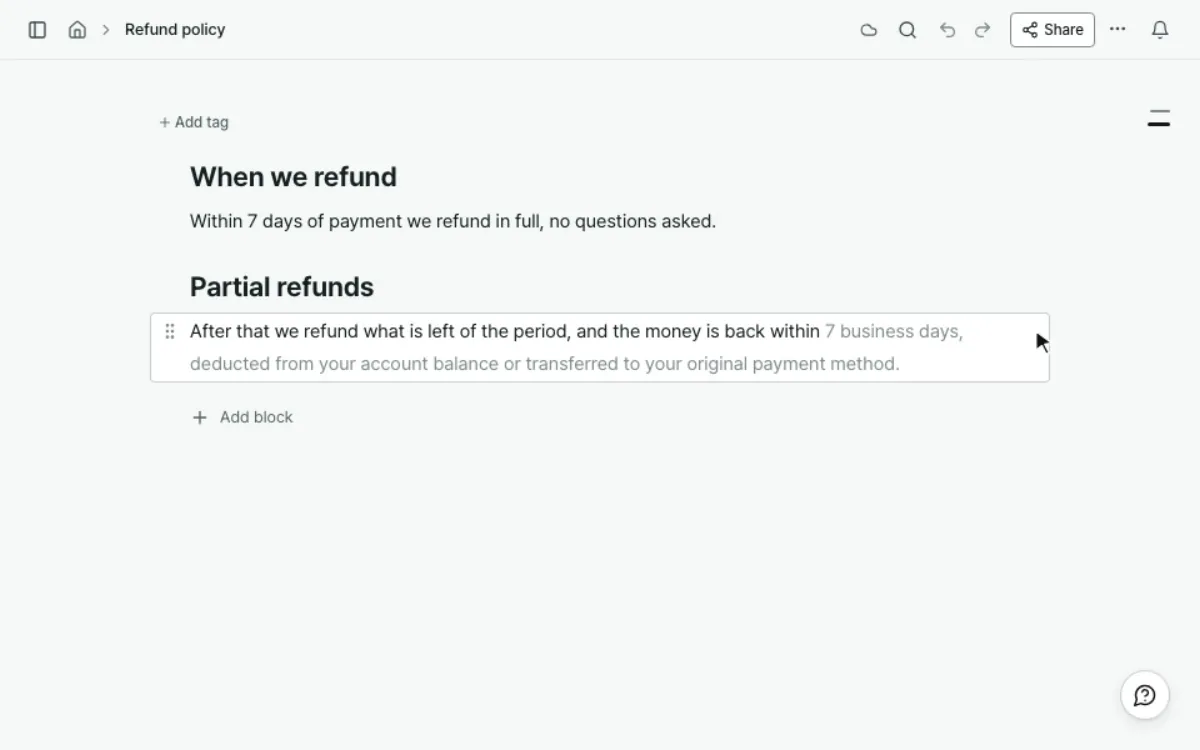
Autocomplete that knows the pagePro
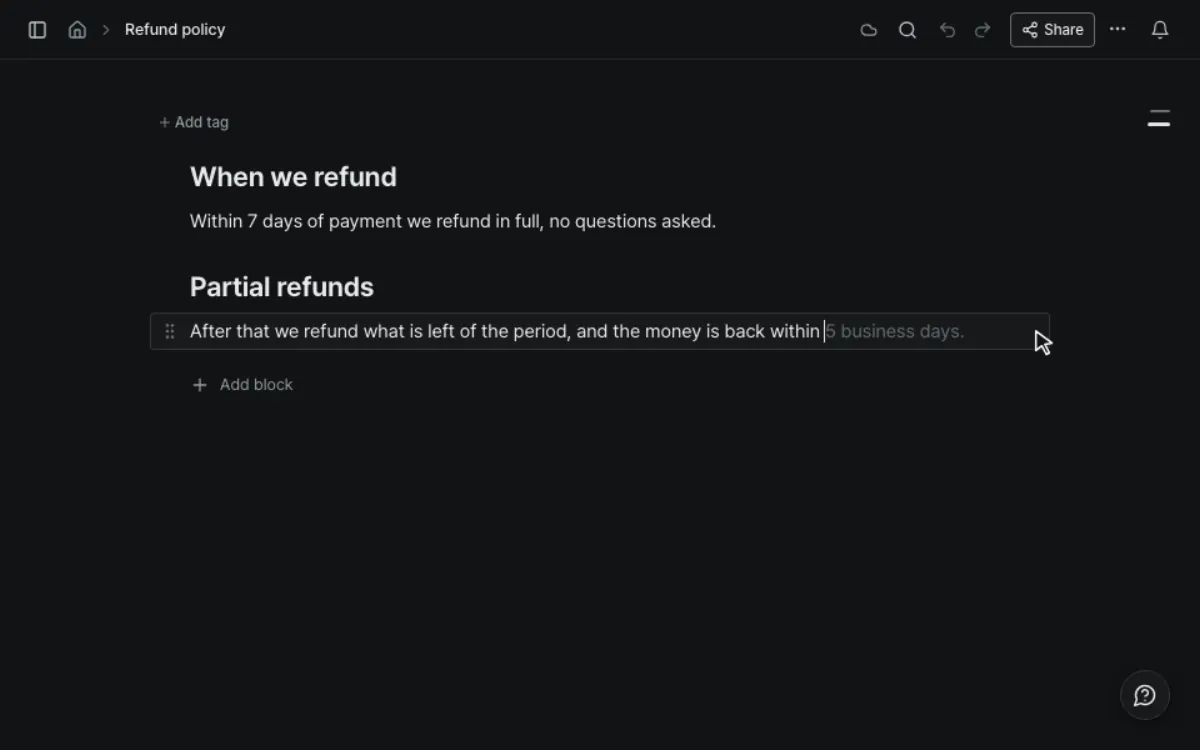
Pause while writing and the next sentence shows in grey, in the page's context. Tab takes it.
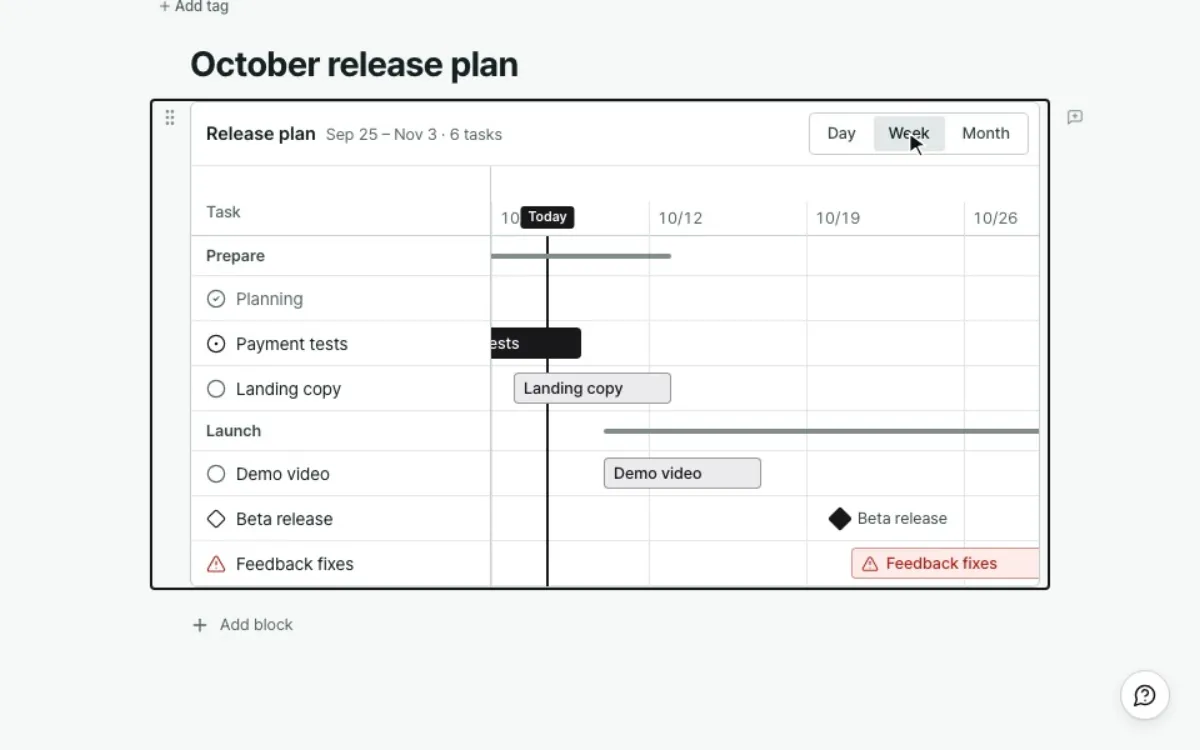
Gantt charts
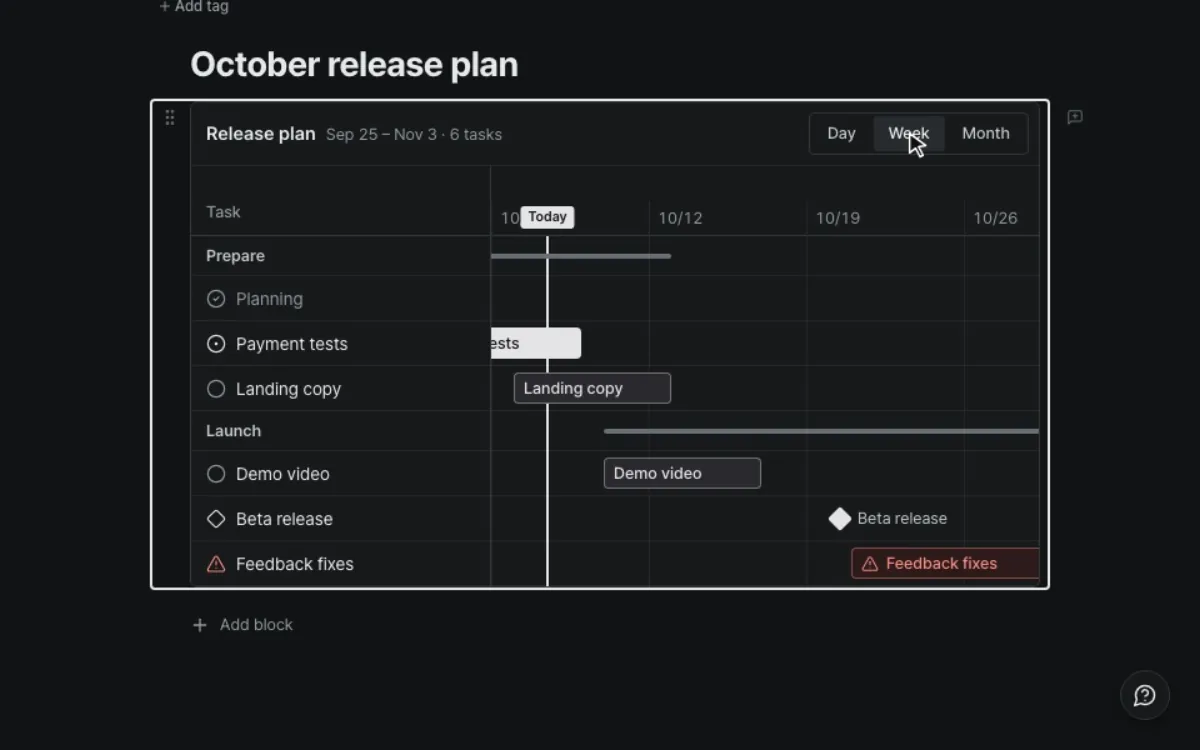
Schedules an agent makes over MCP show as a Gantt chart. Switch between days, weeks and months, with today marked.
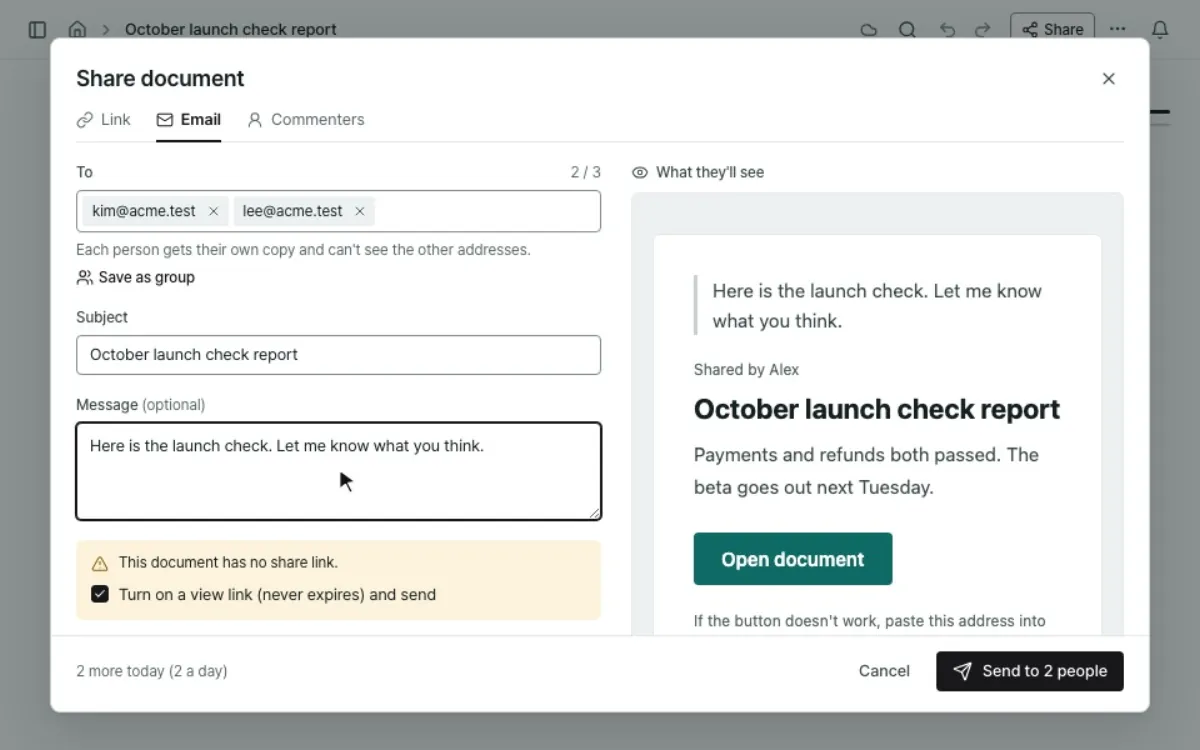
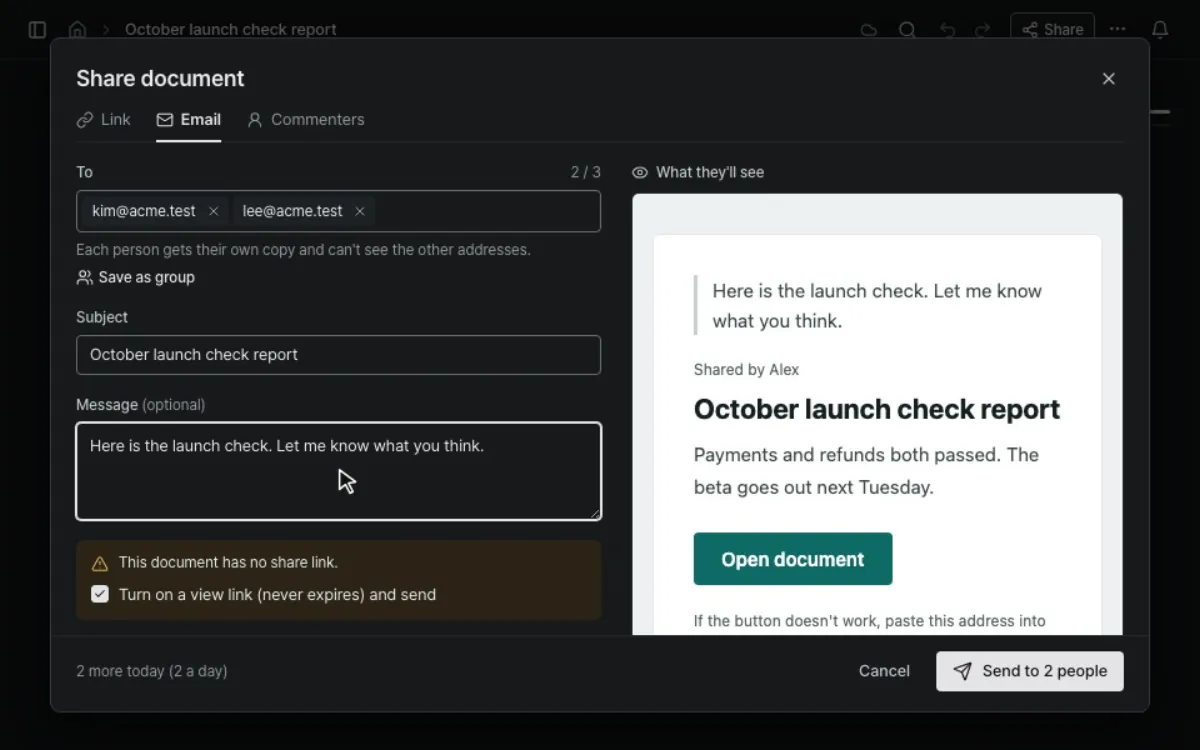
Send by email
Each person gets their own mail with a read-only link. When an agent wants to send one, it asks you first.
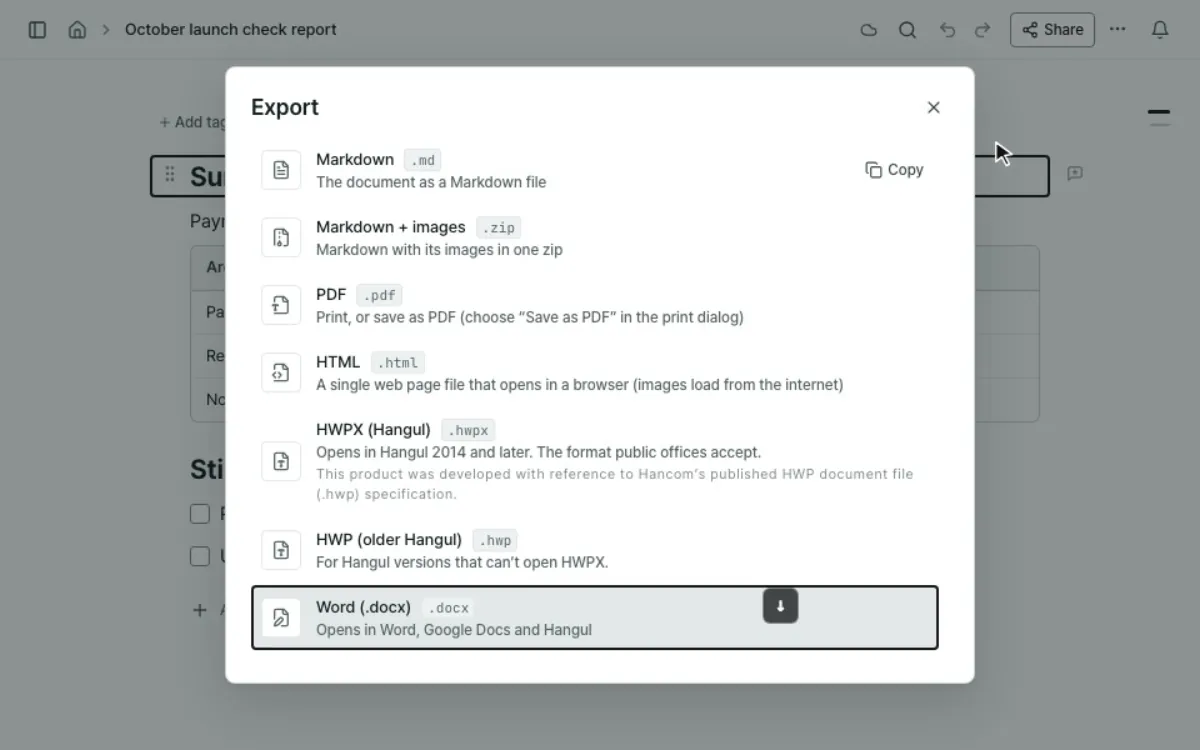
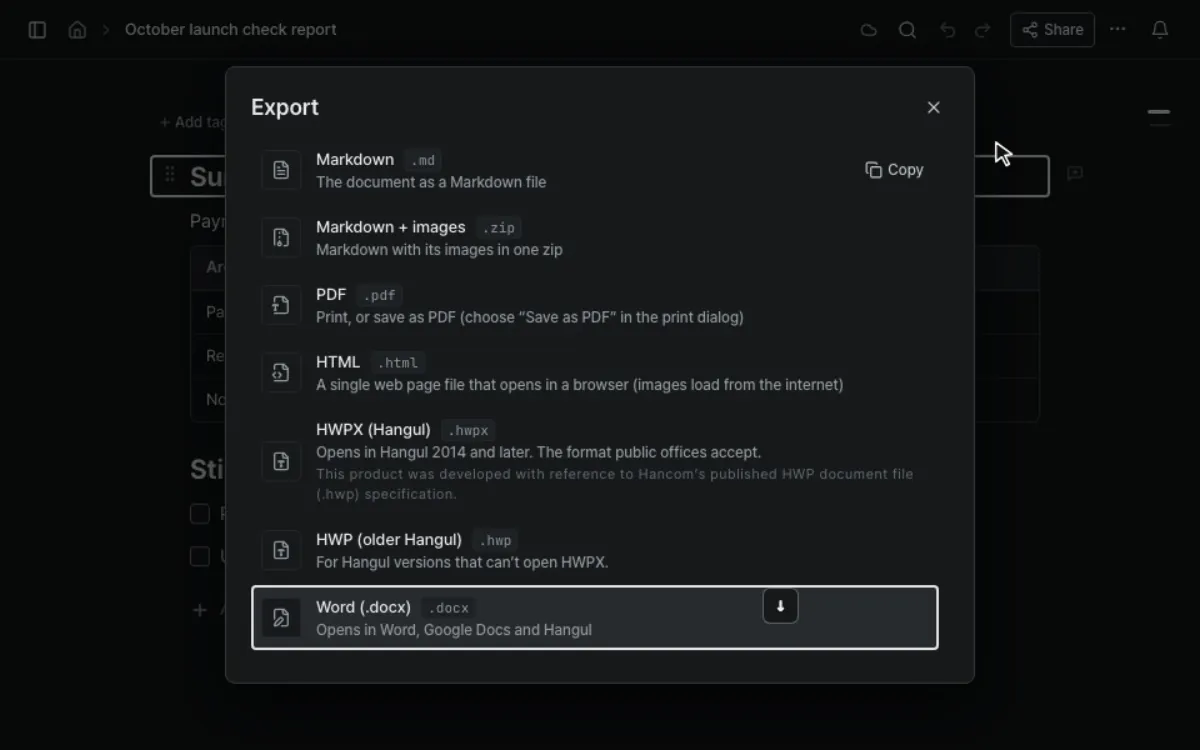
Export to Word, PDF and more
Save as Markdown, PDF, Word, Hangul (HWPX, HWP), Excel or HTML, or copy it with its formatting for Naver Blog.
Pricing
Free
Every editing and collaboration feature
- 1 GB image storage
- 2 live agent sessions at once
- Version history kept 30 days
Pro
Recommended+ the AI writing assistant and writing agents
- 20 GB image storage
- 20 live agent sessions at once
- Version history kept forever